
CapCut
CapCut for Android is ByteDance's free mobile video editor for cutting clips, adding music, text and effects, and exporting short videos.
301.5 MB

7.04.301 · Google LLC · Page updated
YouTube for Android TV is Google's official YouTube app for Android TV and Google TV devices, designed for the big screen and remote control.
Average 0.0 · ratings: 0
Thank you! Your rating is saved; you can change it. Could not save the rating. Please try again later. Too many ratings from your network today. Please try again tomorrow. The average appears after 5 ratings.
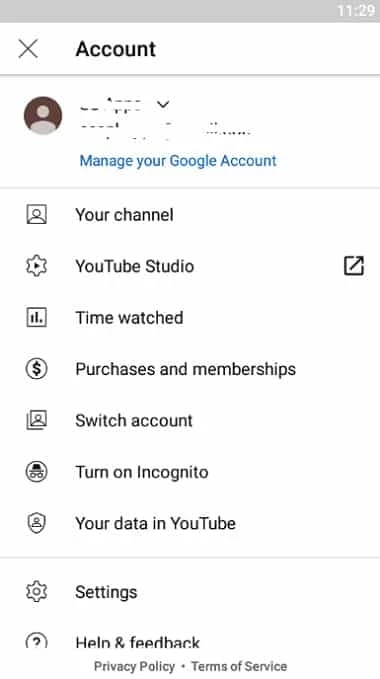
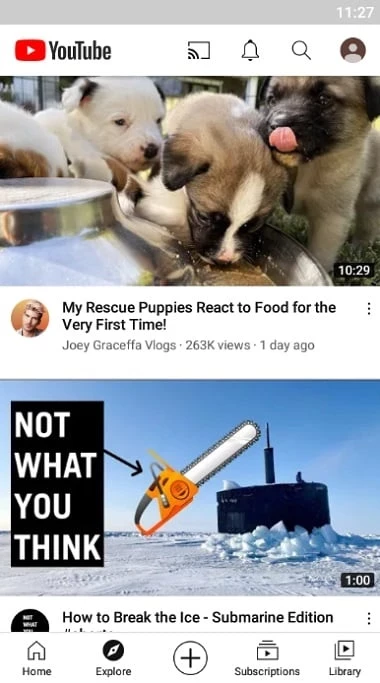
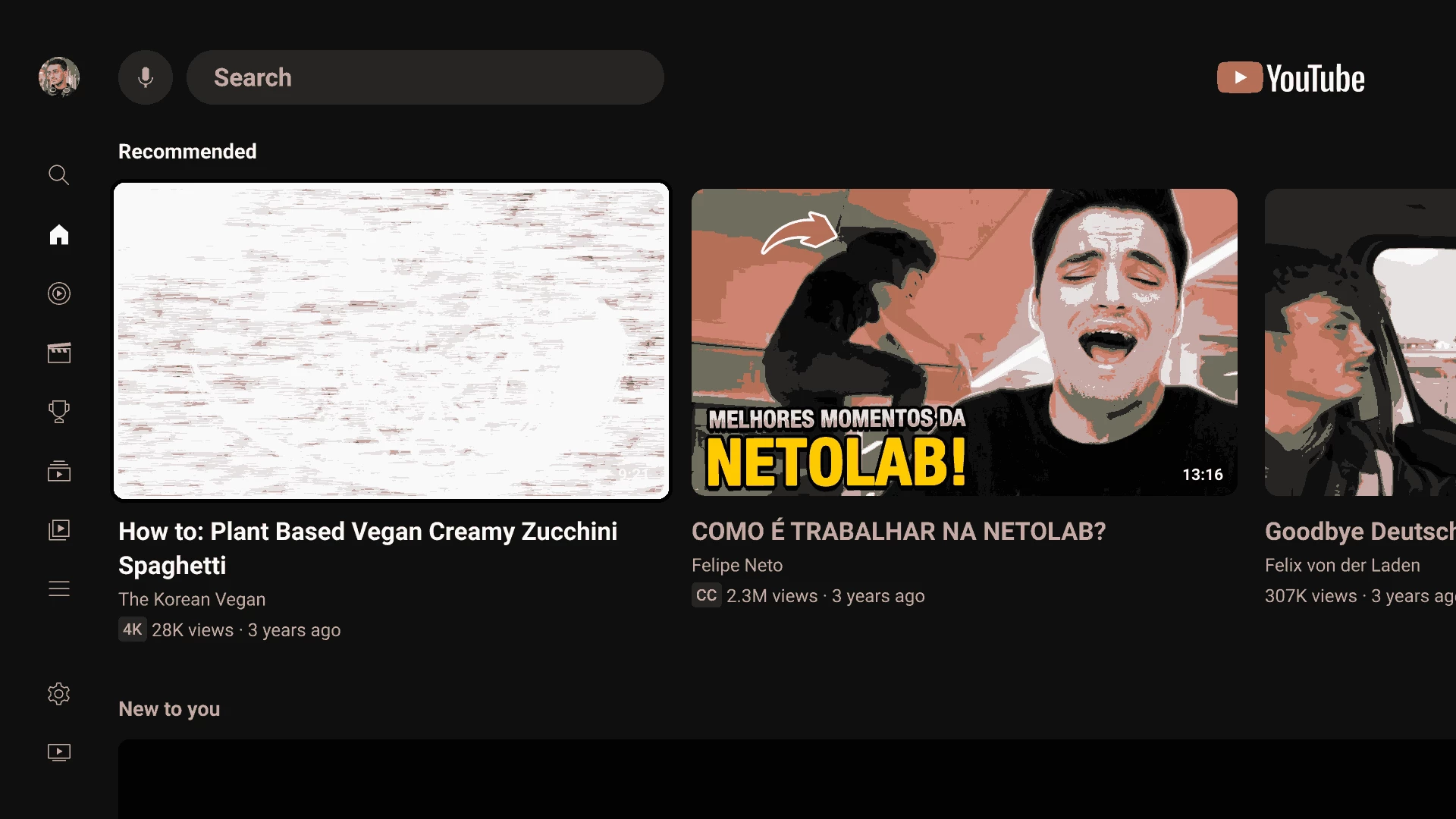
YouTube for Android TV 7.04.301 is the official YouTube app for televisions and set-top boxes running Android TV, made by Google LLC. You download YouTube for Android TV to watch videos, music and live streams on a big screen and control them with a remote, your voice or your phone.
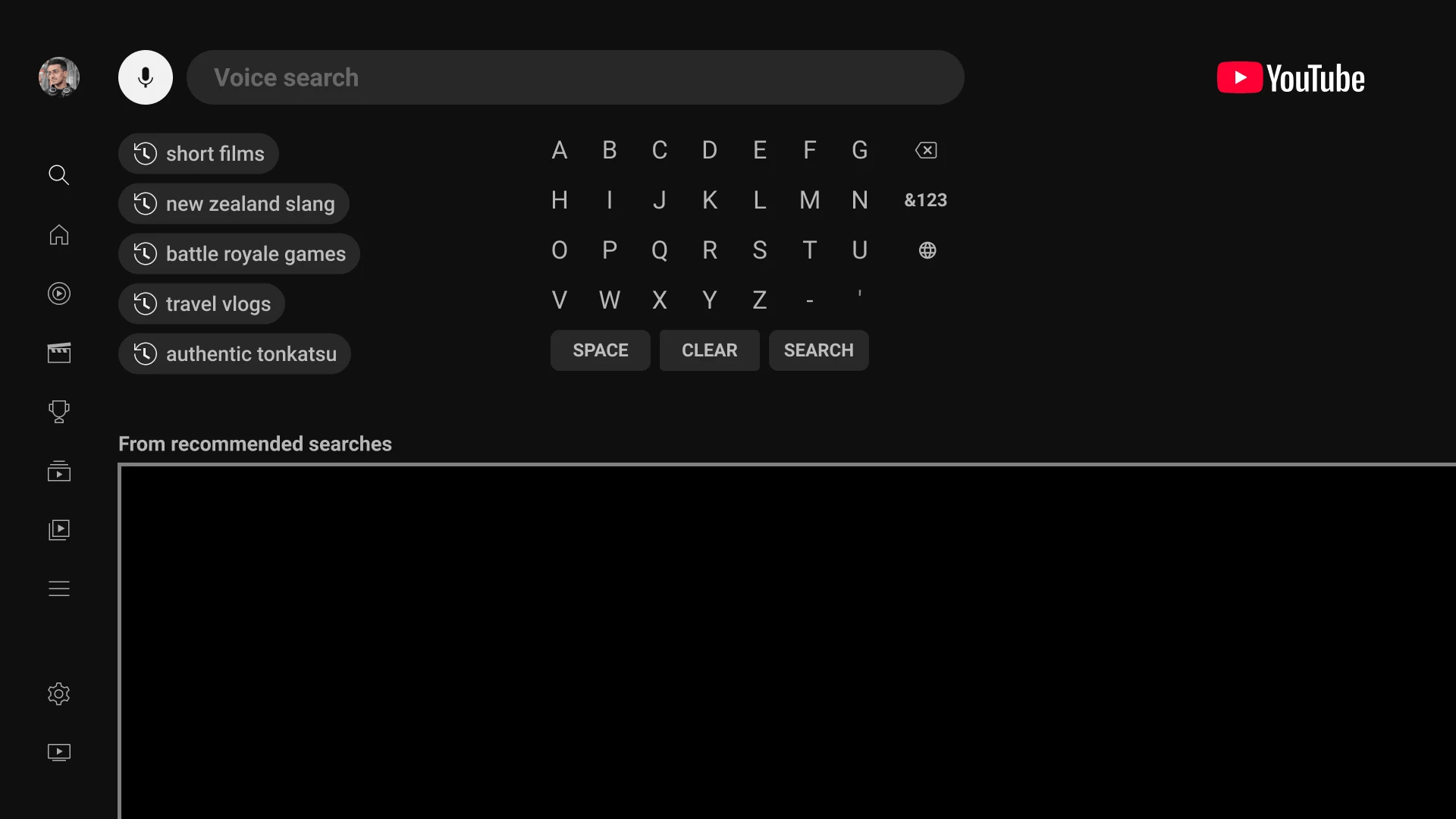
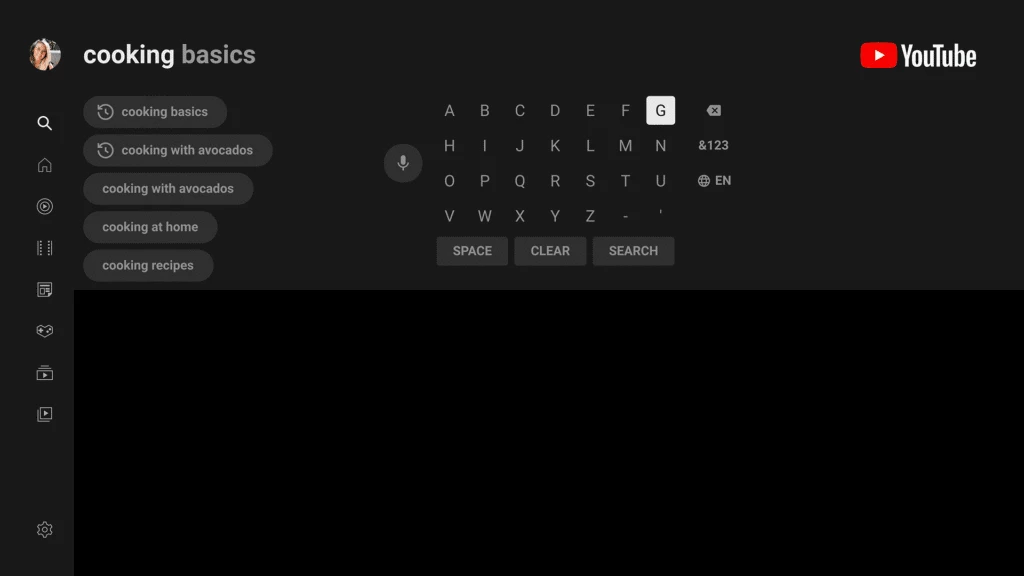
The TV version of YouTube is a different app from the one on phones. Its interface is built for a remote control: large tiles, a left-hand menu with Home, Subscriptions and Library, and a search field that works with voice input through the remote's microphone. You can sign in with several Google accounts and switch profiles, so everyone in the family sees their own recommendations and history. A very handy feature is linking with a phone: when the phone and TV are on the same network, you can cast a video from the mobile app to the TV, add videos to a shared queue, and use the phone as a remote. The app supports high-resolution playback when your TV and connection allow it, as well as YouTube Music, live broadcasts and Shorts. Google posts regular summaries of changes to YouTube on TV in its community updates.
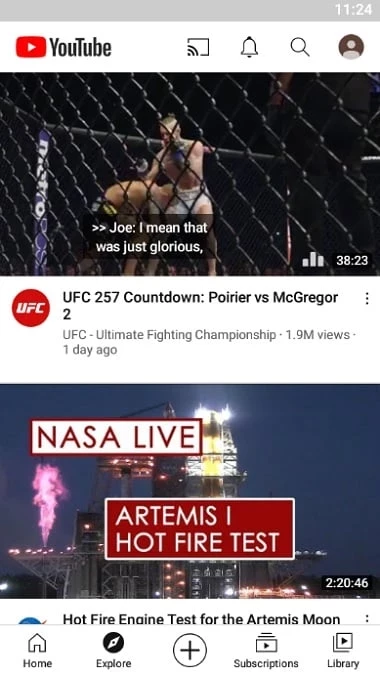
The app is not meant for phones or tablets: on a touchscreen it is awkward, and the regular YouTube app is the better choice there. It is also not the YouTube TV subscription service with cable channels, which is a separate product.
The package is about 48.37 MB according to catalogue data. Google's help page covers supported devices.
The app is free with ads; YouTube Premium removes them for a fee. Avoid modified "no ads" builds for TV boxes: they may break sign-in or contain malware.
Other TV apps on our site include TikTok for Android TV and YTV Player Pro, and VLC Media Player for local video files.
CapCut for Android is ByteDance's free mobile video editor for cutting clips, adding music, text and effects, and exporting short videos.

YouTube for Android is Google's app for watching, uploading and live-streaming video. Version 21.38.130 is the current release listed here.

InShot is a video editor for Android phones used to trim, combine and prepare clips for social networks.

DU Recorder is a free Android screen recorder for capturing gameplay, tutorials and video calls, with basic editing of the recorded clips.

VN – Video Editor is a free Android app from VN, LLC for editing videos on a phone: cut and join clips, add music, titles and transitions.

Wink is an Android video editing app from Meitu that uses AI to improve video quality, retouch faces and apply effects to clips.

TikTok is a free short-video app for Android from TikTok Pte. Ltd. Version 46.9.42 is the latest Android build.

TikTok Lite is the official lighter version of TikTok for Android, designed to save data and suit phones with limited storage.